Data velocity is the speed at which data is generated, ingested, processed, and delivered while it can still serve its intended purpose. It is defined by the required decision latency, not event rate alone: the same event stream can be high velocity for immediate anomaly detection and low velocity for nightly reporting.
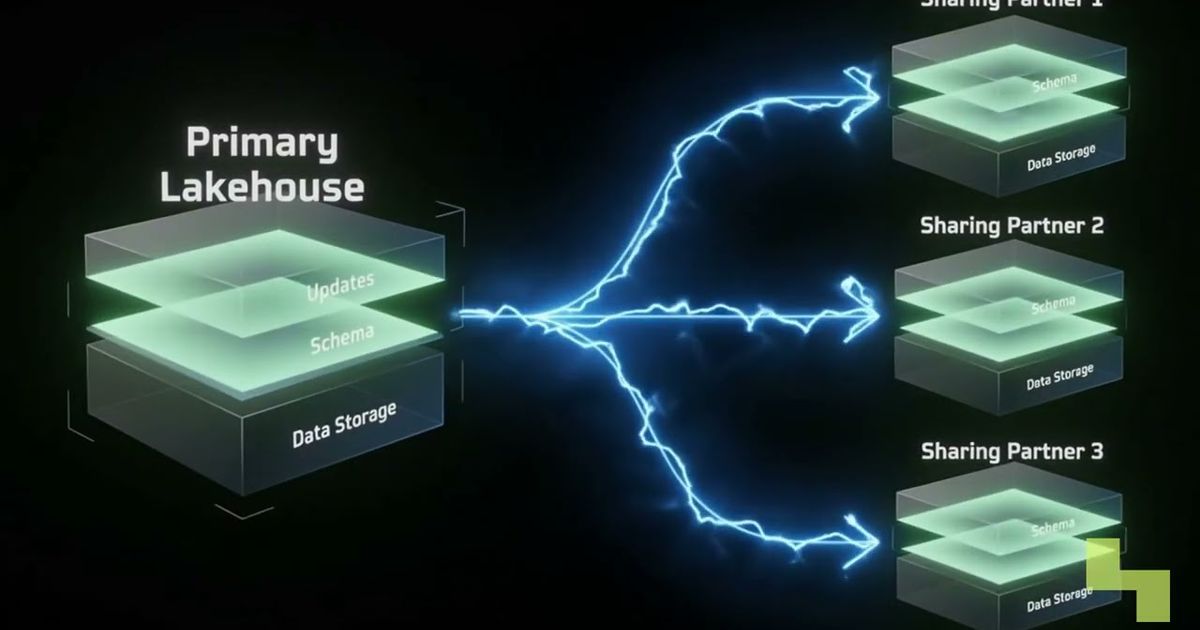
Velocity matters because real-time requirements expose limitations across an entire data stack. If one component cannot keep pace, applications receive stale results even when every other component performs correctly. The video above walks through the core ideas.
What does data velocity mean in practice?
Data velocity describes both how quickly data arrives and how soon a system must turn it into a useful output. The use case determines whether a dataset has a demanding velocity requirement.
Consider a service producing thousands of log events per second. If an operations team needs to identify anomalies within seconds, those logs are high-velocity data. If the same logs are collected for a report generated each night, their effective velocity is much lower because the acceptable processing window is longer.
This distinguishes velocity from the other common dimensions of data:
- Volume concerns the amount of data that must be stored or processed.
- Variety concerns differences in formats, structures, and sources.
- Velocity concerns arrival rate and the time available to produce a useful result.
A dataset can therefore be large without requiring real-time processing, or relatively small while demanding an immediate response. Data architecture should reflect the decision deadline rather than treating every rapidly generated dataset as a streaming problem.
How does high data velocity change a data pipeline?
High data velocity requires the full pipeline to operate continuously and within the use case’s latency window. Ingestion, storage, processing, and delivery must all keep pace because a bottleneck at any stage makes downstream results less current.
The main changes appear across four stages:
- Ingestion: Systems accept continuous event streams instead of relying only on periodic file loads. They must handle sustained arrivals without silently dropping or indefinitely delaying events.
- Storage: Data stores must support low-latency writes alongside the reads needed by applications, dashboards, and processing jobs.
- Processing: Streaming frameworks transform, filter, and aggregate events as they arrive rather than waiting until a complete batch has accumulated.
- Delivery: Dashboards, alerting systems, AI models, and operational applications must consume and act on outputs before they become stale.
The difference between batch and streaming data processing is therefore more than how often a job runs. Batch systems optimize for bounded collections of data, while streaming systems continuously process an evolving flow. Teams also need a clear data ingestion architecture because upstream delays cannot be recovered by making only the final application faster.
When incoming work exceeds processing capacity, a backlog grows. Even if every event is eventually processed, the system is no longer meeting its real-time objective because consumers are acting on an increasingly outdated view.

How should teams define their data velocity requirements?
Teams should define data velocity from the required action backward. A useful requirement states when an event occurs, how soon an output must be available, and what should happen if the pipeline cannot keep up.
Start with the business or operational deadline. A nightly report may tolerate hours of latency, while an alert intended to interrupt an unsafe or fraudulent action may need to arrive while that action is still in progress. “Real time” is too vague unless it is translated into an explicit latency window.
Then examine the complete path:
- Measure how data arrives, including steady traffic and bursts.
- Allocate the available latency across ingestion, storage, processing, and delivery.
- Observe backlog growth and the age of the latest processed event, not just system uptime.
- Decide how consumers should behave when data is delayed, incomplete, or unavailable.
This end-to-end view prevents local optimization from hiding a wider problem. A fast processing engine does not satisfy a velocity requirement if ingestion is delayed or the downstream application refreshes too slowly.

Why is data velocity important for AI systems?
Data velocity determines whether an AI system acts on current context or an outdated representation of the world. It is especially important when agents, models, or automated applications make decisions while conditions are still changing.
Examples include agents responding to live operational signals, models consuming newly available observations, and fraud systems evaluating transactions while they are in flight. In each case, usefulness depends on processing data at the speed required by the decision rather than at the schedule preferred by a batch pipeline.
High velocity also creates a coordination problem. Model inference may be fast, but the overall AI application can still respond too late if data ingestion, feature calculation, retrieval, policy checks, or result delivery adds excessive delay. Teams must evaluate the latency of the compound system, not only the model endpoint.
Key takeaways
- Data velocity combines the rate of data arrival with the deadline for processing and action.
- The same dataset can have different velocity requirements for different use cases.
- High-velocity workloads put simultaneous pressure on ingestion, storage, processing, and delivery.
- A bottleneck anywhere in the pipeline produces stale outputs and undermines real-time decisions.
- AI systems need end-to-end latency management rather than model-speed optimization alone.
How Hyperlake helps
Hyperlake lets teams assemble data, model, application, and governance services in infrastructure they or their clients control. Depending on the workload, teams can run Kafka for streams alongside fitting storage, analytics, vector, graph, and model-serving capabilities, with shared controls for access, observability, lifecycle, and audit. To discuss a specific real-time or AI architecture, talk to our team.
Frequently asked questions
Does a high event rate always mean data has high velocity?
No. Event rate describes how quickly records are produced, but effective data velocity also depends on how soon they must be processed. A large log stream processed nightly has a less demanding velocity requirement than the same stream used to trigger anomaly alerts within seconds.
Can one system use both batch and streaming processing?
Yes. Streaming can support immediate alerts or operational decisions, while batch jobs use the same or related data for reporting, reconciliation, and historical analysis. The appropriate mode depends on each output’s latency requirement, so many architectures use both rather than forcing every workload into one pattern.
How can teams tell when a real-time pipeline is falling behind?
Teams should monitor processing delay, backlog growth, and the age of the latest data available to consumers. Infrastructure can remain healthy while outputs become stale, so uptime alone is insufficient. The most meaningful measure is whether the complete pipeline continues to produce results within the decision window.